MAHOU
Visualizing a magical girl survival-horror RPG through designing and programming technical UI.
Project Info
My Role:
Design player-facing interfaces & visuals for game's menus & HUD
3D-model game environment, character, inventory, & other visuals
Program player interaction scripts (C#) and motion animations
Design Goals:
Enhance immersion & world-building of the "magical girl horror" genre (i.e. fantasy-horror)
Ensure ease of navigation, mechanics use, & visual accessibility standards
Show Details
Brainstorm & Ideation
From 0-to-1: Designing a "Magical Girl Survival Horror" Game
Step 1: What is "Magical Girl Survival Horror"?

Step 2: Imagining core gameplay mechanics

Step 3: Planning Interaction Flows & Content

Core UI Features
Stylish & Intuitive Navigation Menus
Pause Menu
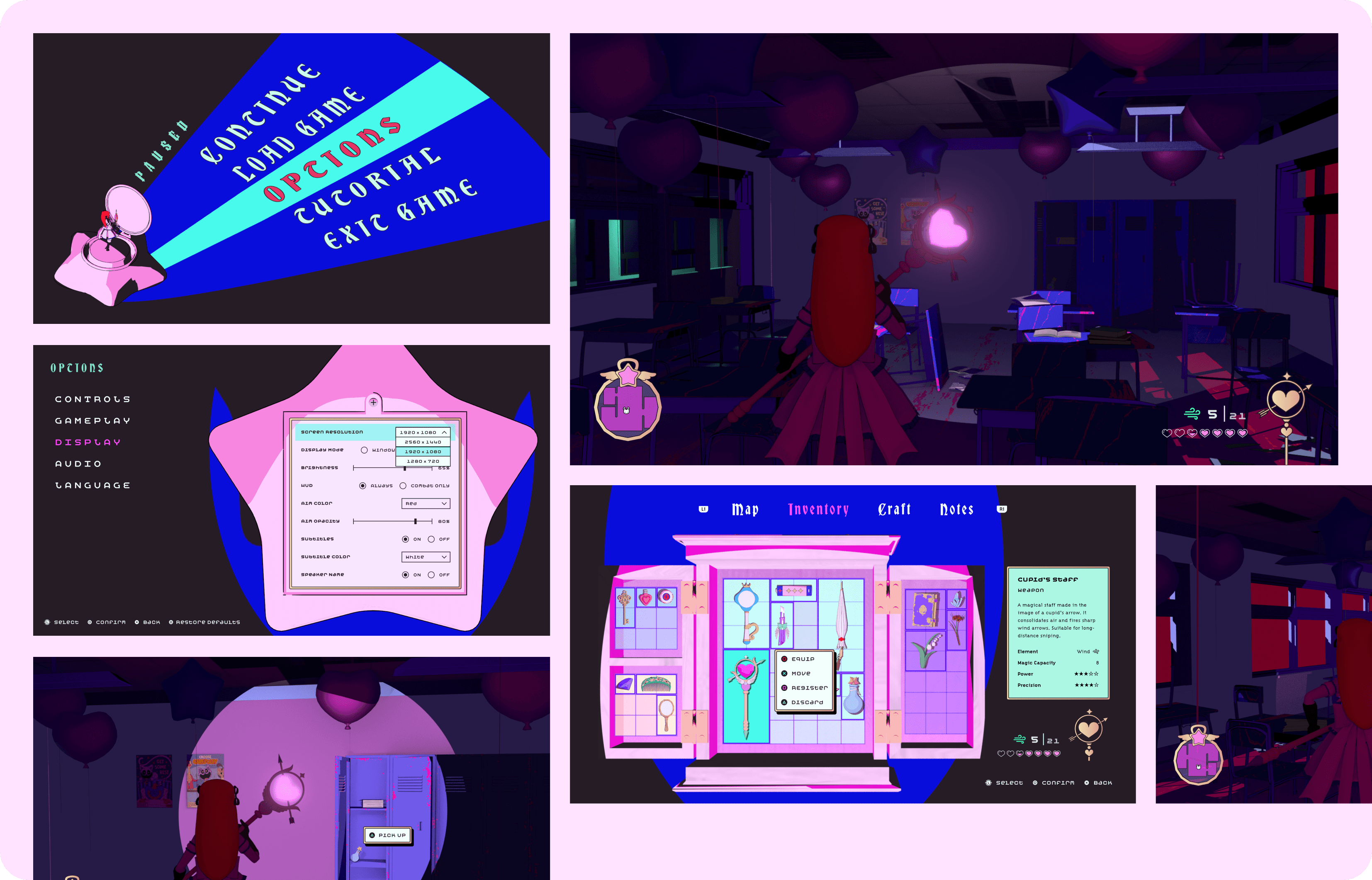
The pause menu features an image of the player character spinning atop their transformation compact like a music box, referencing the game's motifs of childhood nostalgia and the player character's doll-like qualities and predicament throughout the game's story.
Options Menu
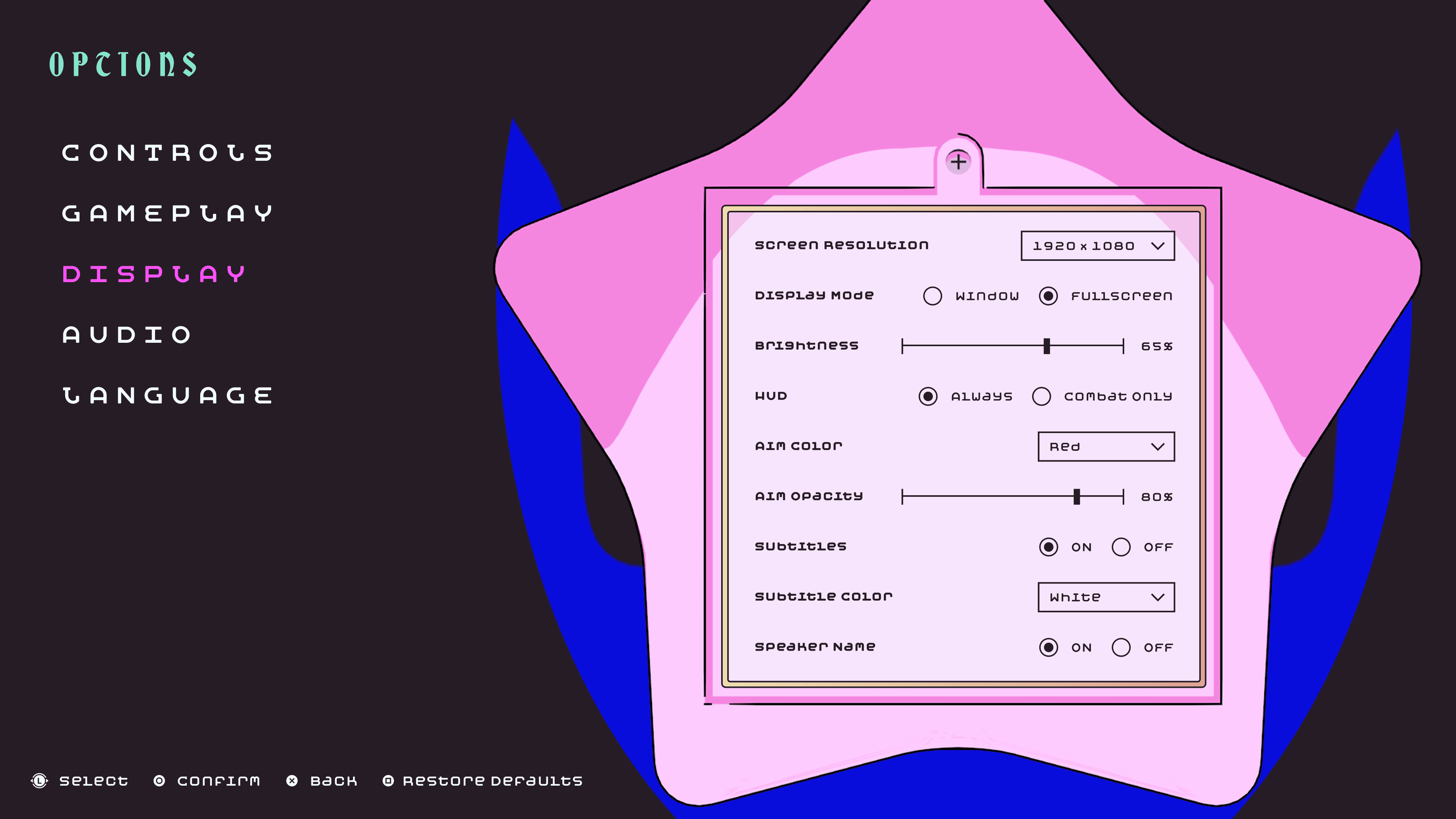
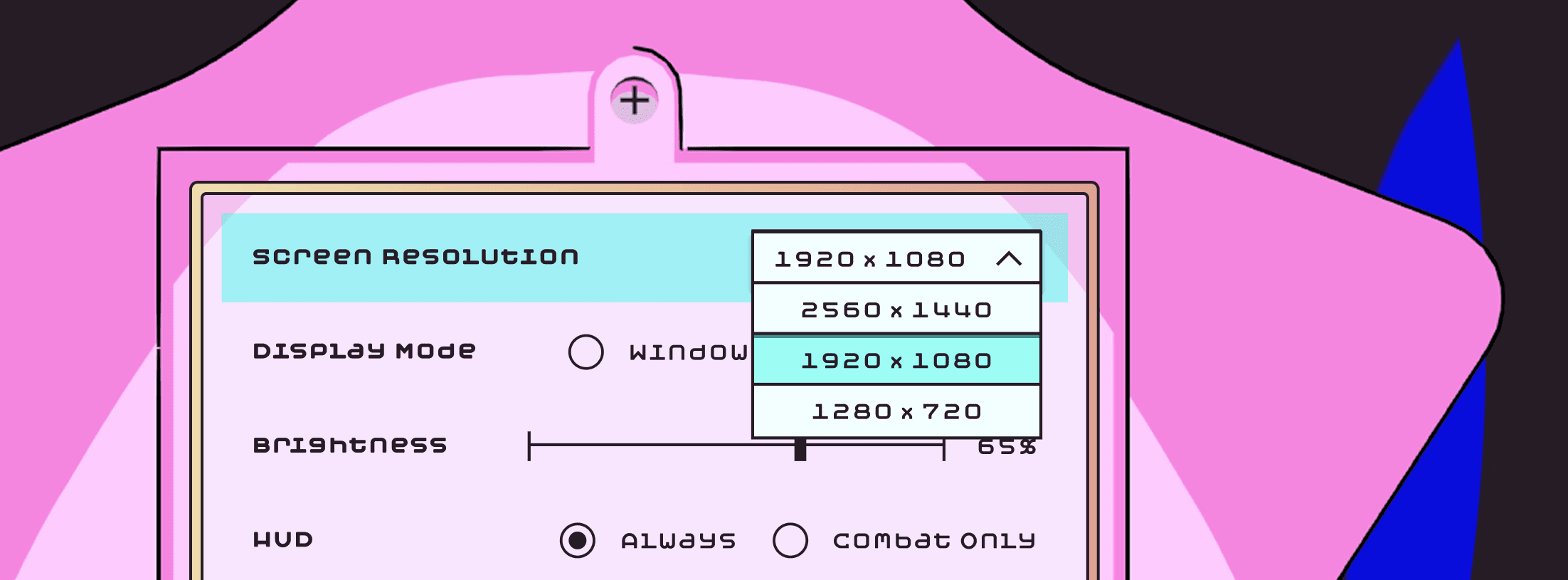
Playing off the star compact seen in the pause menu, the settings options are displayed on the battery cover at the bottom of the compact, emulating the idea of tinkering the transformation compact's mechanics.
Pause Menu V.1
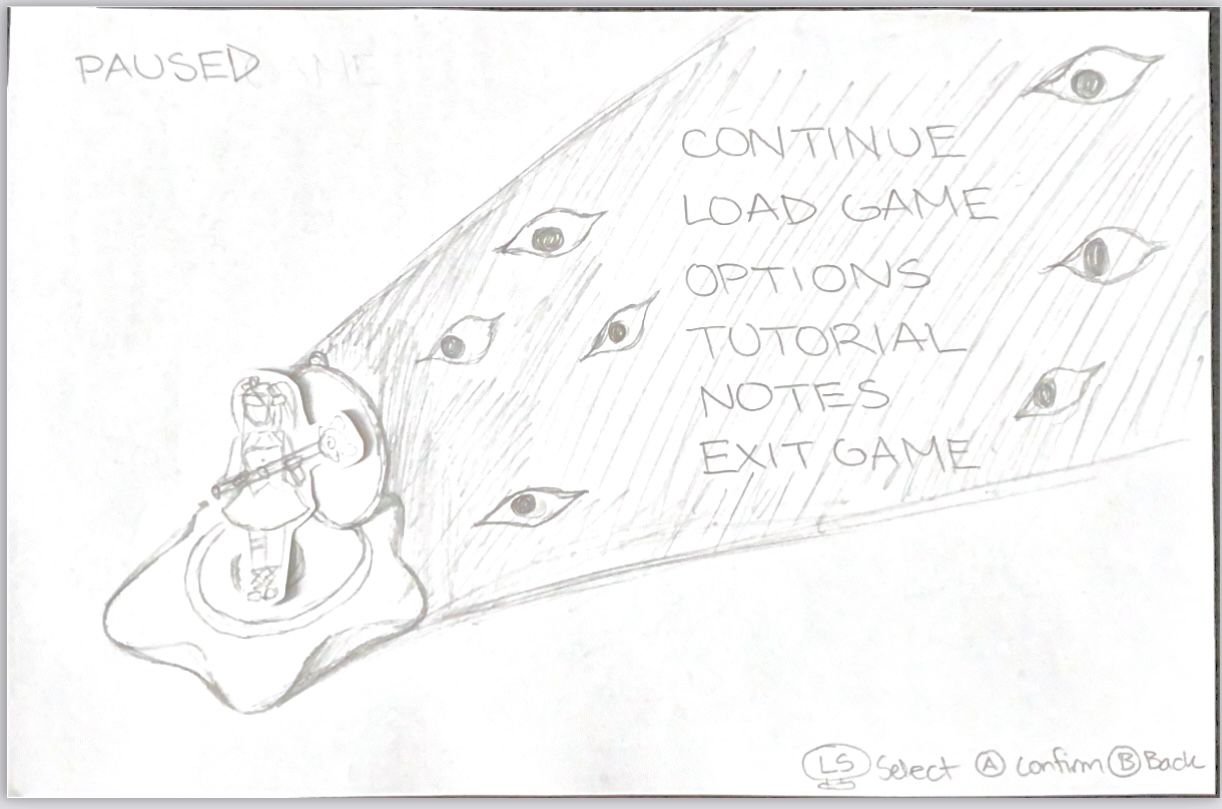
Pause Menu V.2

Options Menu

HUD: Level Exploration & Combat
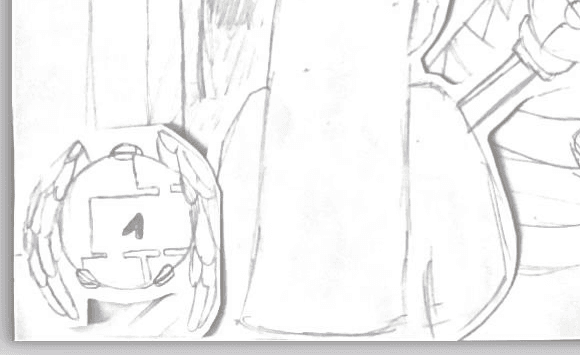
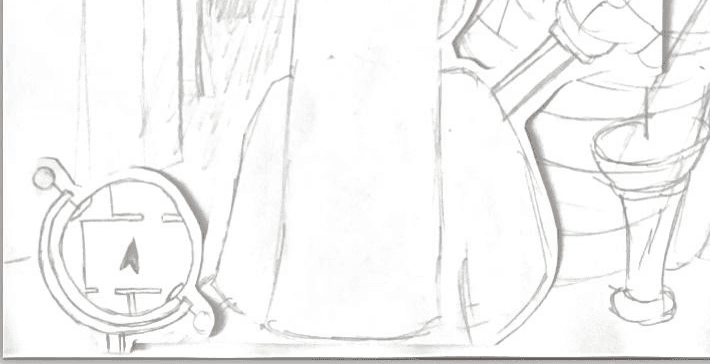
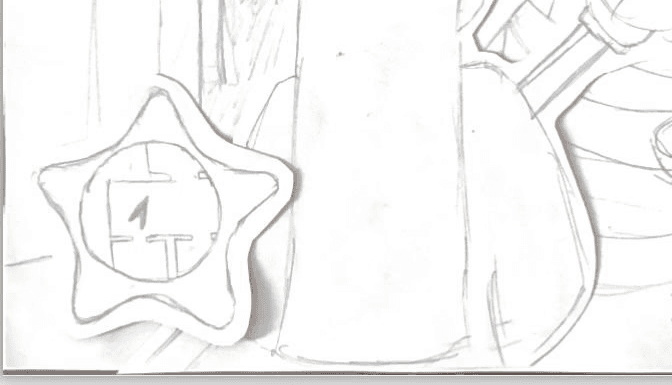
The HUD's primary function is to show the player the essential info needed to complete the current level, while also keeping the display area blocked by the interface to a minimum for the player to easily spot incoming enemies or interactable items & puzzles. I created two versions of the HUD: exploration mode and combat mode, as well as UI elements for picking up items in the game environment.
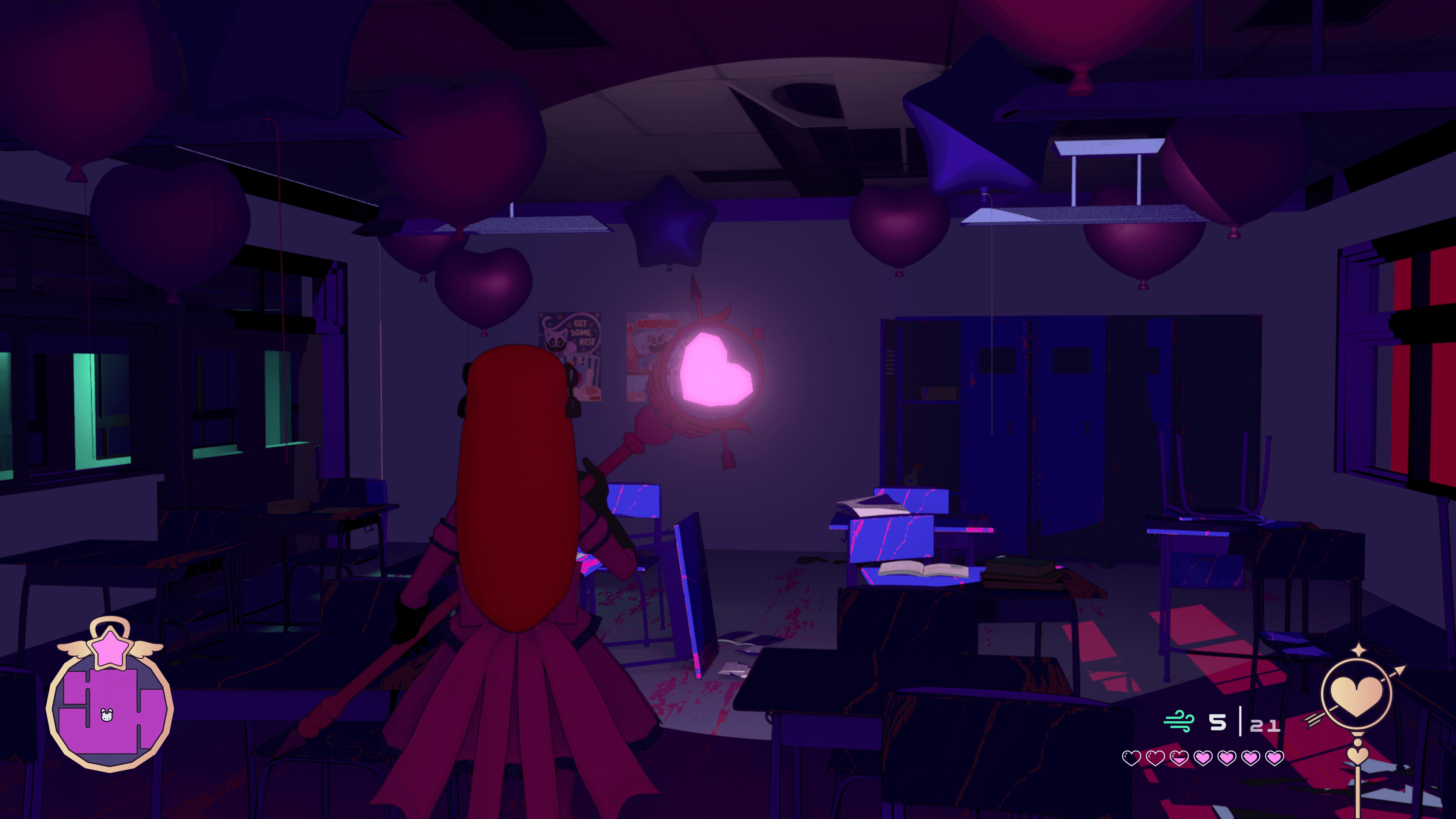
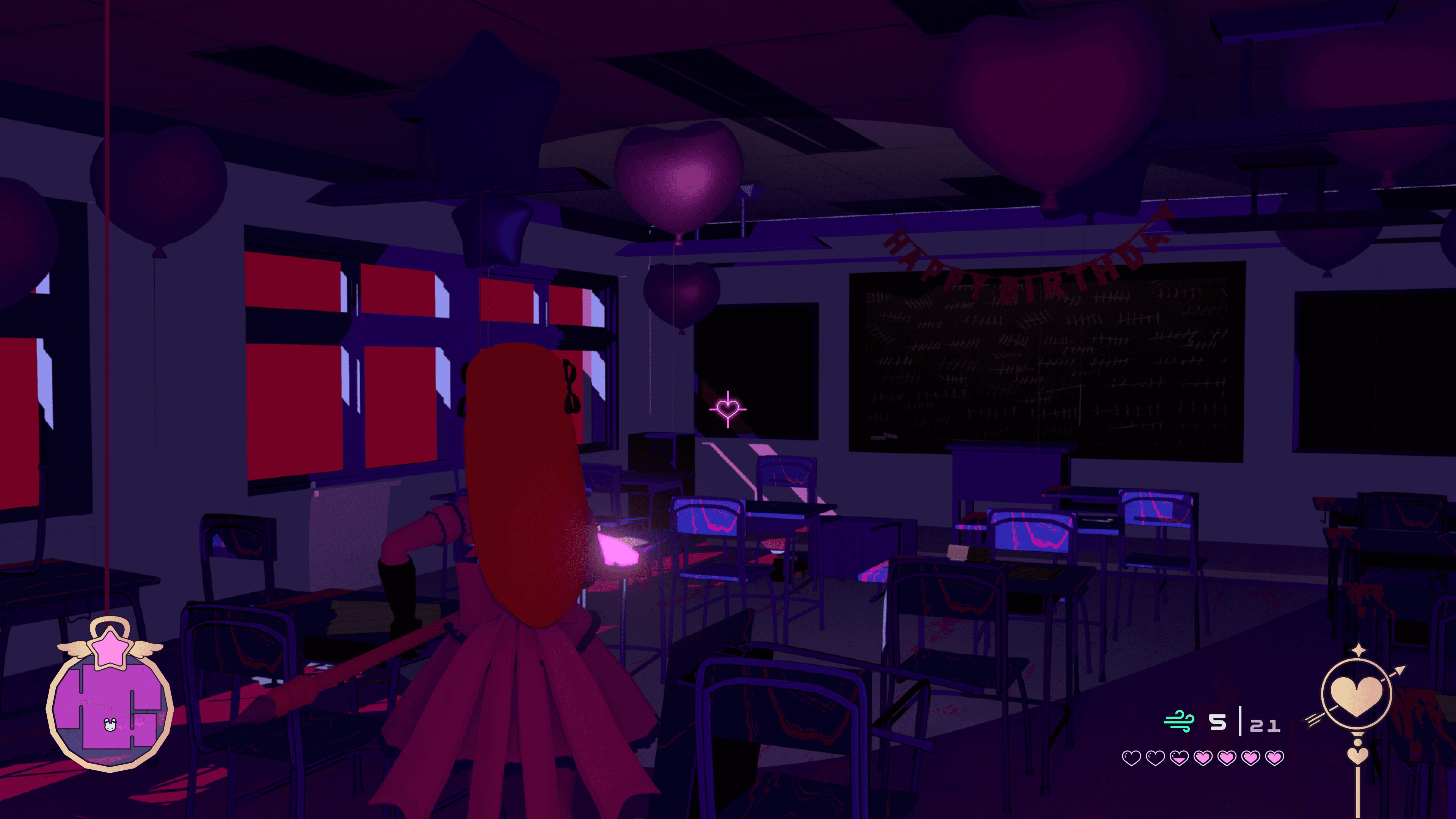
HUD V.1 - Compass Mini-Map

HUD V.2 - Winged Pendant Mini-Map
HUD V.3 - Celestial Globe Mini-Map
HUD V.4 - Star Compact Mini-Map
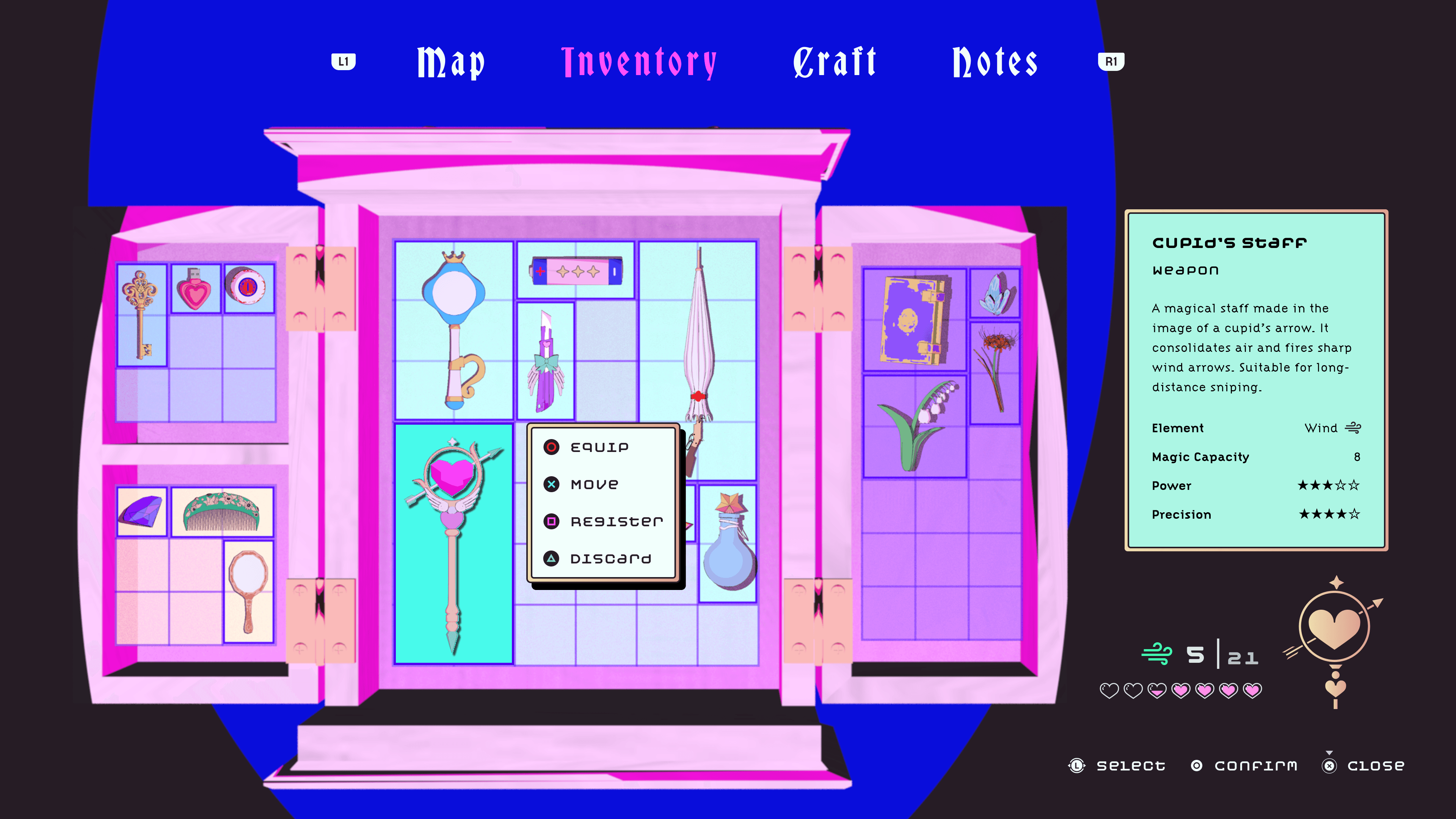
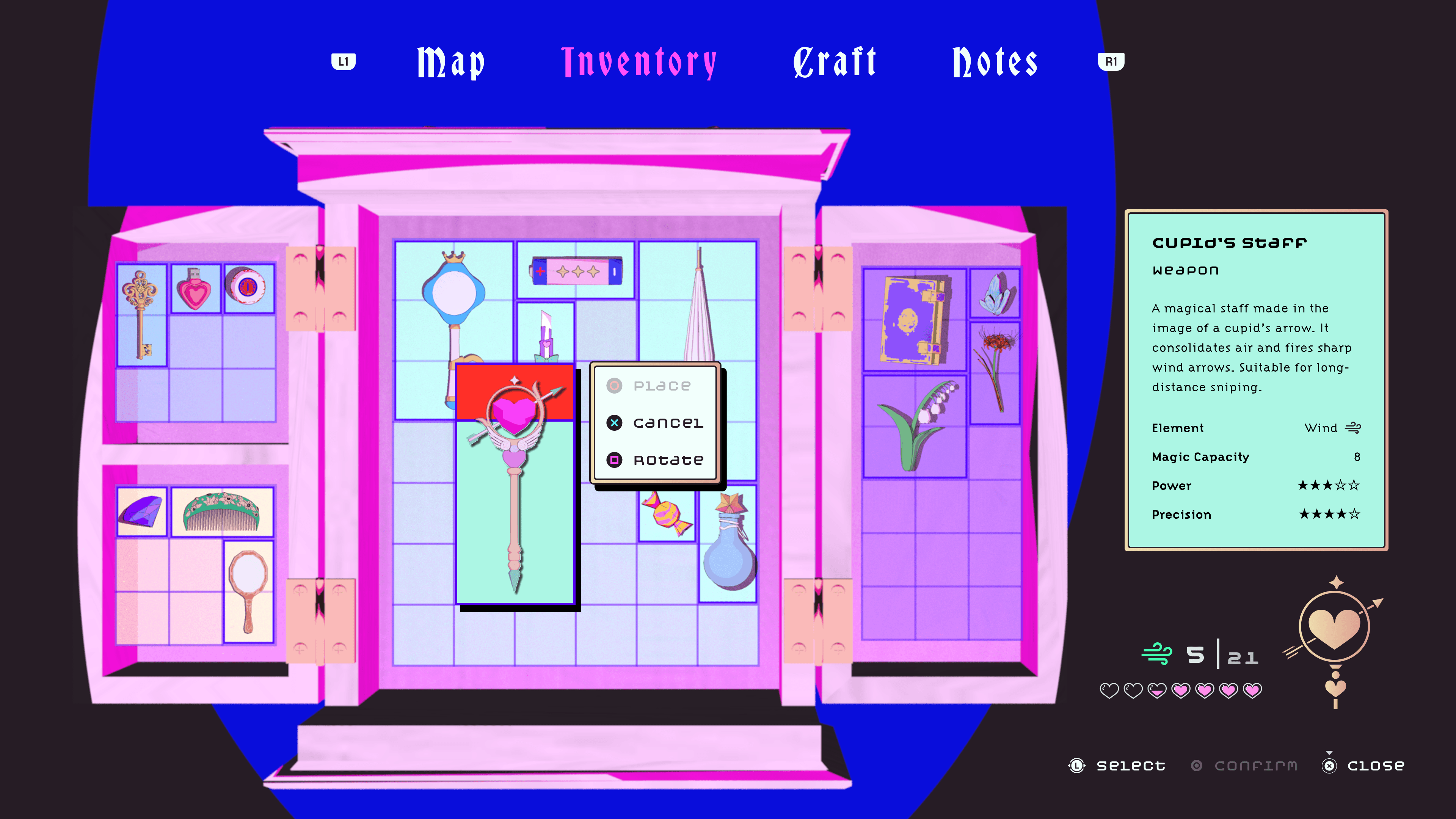
Inventory Grid System
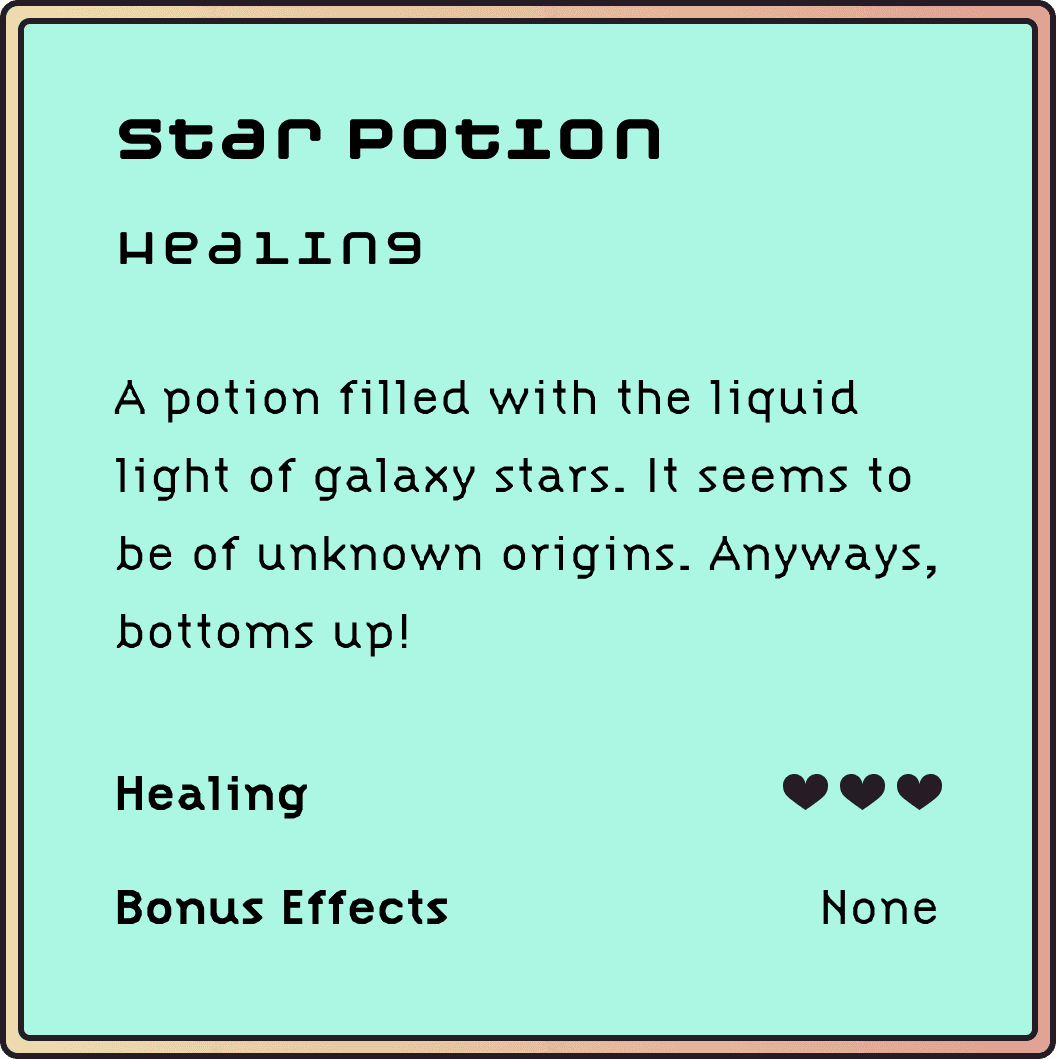
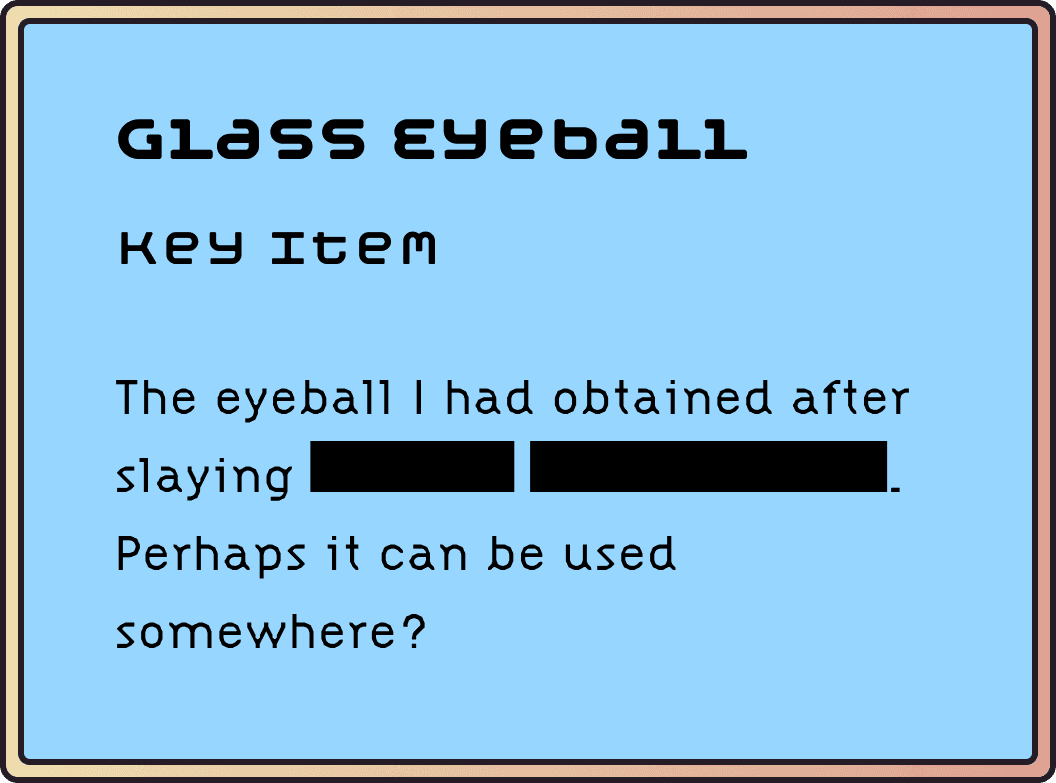
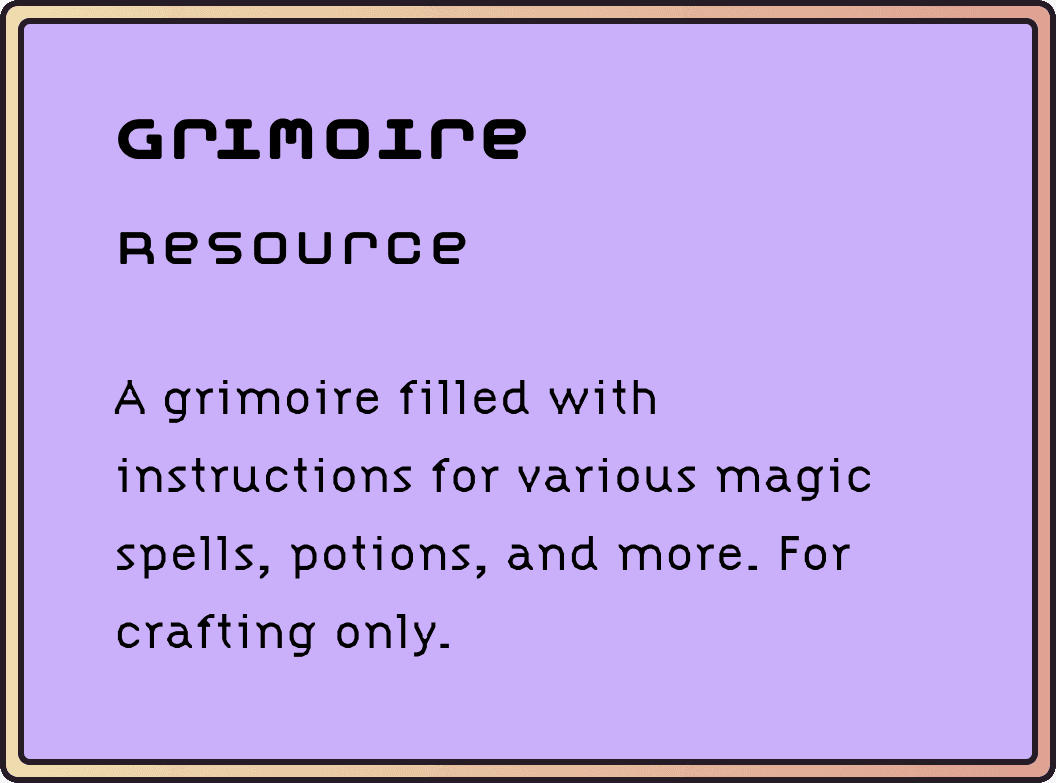
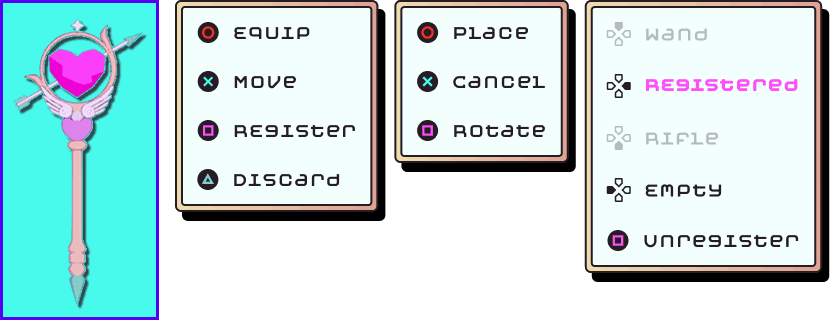
One of the core gameplay mechanics is a limited inventory system. The player's inventory space is limited by a grid system & item type categorization. System constraints were also created to help guide the player and prevent user error. When the player tries to move an item into the wrong compartment or is overlapping space with another item, the selected interface will highlight red and constrain the player from incorrectly placing the item there.

Takeaways
Understanding Game Concept & Mechanics for UX — Although MAHOU is a concept UI project, I quickly realized that I also needed to design the game's core mechanics and story (i.e. play the role of a game designer) in order to create a basis for the UX/UI. It's essential to have a clear understanding of the game designer's intentions for each interaction and screen so that I can ensure my UX/UI designs will properly and intuitively navigate the player through the game as intended.
Combining UX Practices & UI Artistry — MAHOU's unique art style is a major contributor to the game's overall immersion and world-building. I wanted to ensure that throughout the entire game, even when the game is paused or is configuring settings, the player remains immersed in the story of MAHOU until they physically exit out of the game. I wanted to design visually-stunning interfaces for MAHOU without compromising on best UX practices. So each screen was thoughtfully designed to ensure adherence to UX design principles such as visual accessibility standards, ease of navigation, intuitive information architecture, and more.
All Illustrations & UI Assets © Chelsea Mai. All rights reserved.
Model Credits